When I built my first small business website, I made a mistake that cost me time and money.
I picked a theme that looked good.
But it was slow, hard to edit, and didn’t convert visitors into customers.
That’s when I realized something important—choosing the right wordpress themes for small business is not about design alone.
It’s about performance, usability, and results.
If you’re starting out, I’ll walk you through this in a simple, practical way.
Key Takeaways
- A good theme improves both design and performance
- Speed and mobile experience matter more than looks
- Simple themes work better for beginners
- The right theme helps you generate leads and sales
- Avoid overcomplicated themes with unnecessary features
What Makes a Good WordPress Theme for Small Business
When I evaluate a theme now, I look beyond design.
Here’s what actually matters:
- Fast loading speed
- Easy customization
- Mobile responsiveness
- SEO-friendly structure
- Compatibility with page builders
Most beginners ignore speed.
But here’s the truth.
A slow theme can kill your traffic before it even starts.
That’s why I always recommend exploring lightweight wordpress themes for speed before choosing anything.
Step 1: Start With Your Business Goal
Before picking a theme, ask yourself:
- Do I want leads
- Do I want online sales
- Do I want bookings
Your goal determines your theme.
For example:
- Service business → simple lead-focused theme
- Ecommerce → product-focused theme
- Personal brand → content-driven theme
Without clarity, you’ll pick the wrong design.
Step 2: Focus on Speed First Not Design
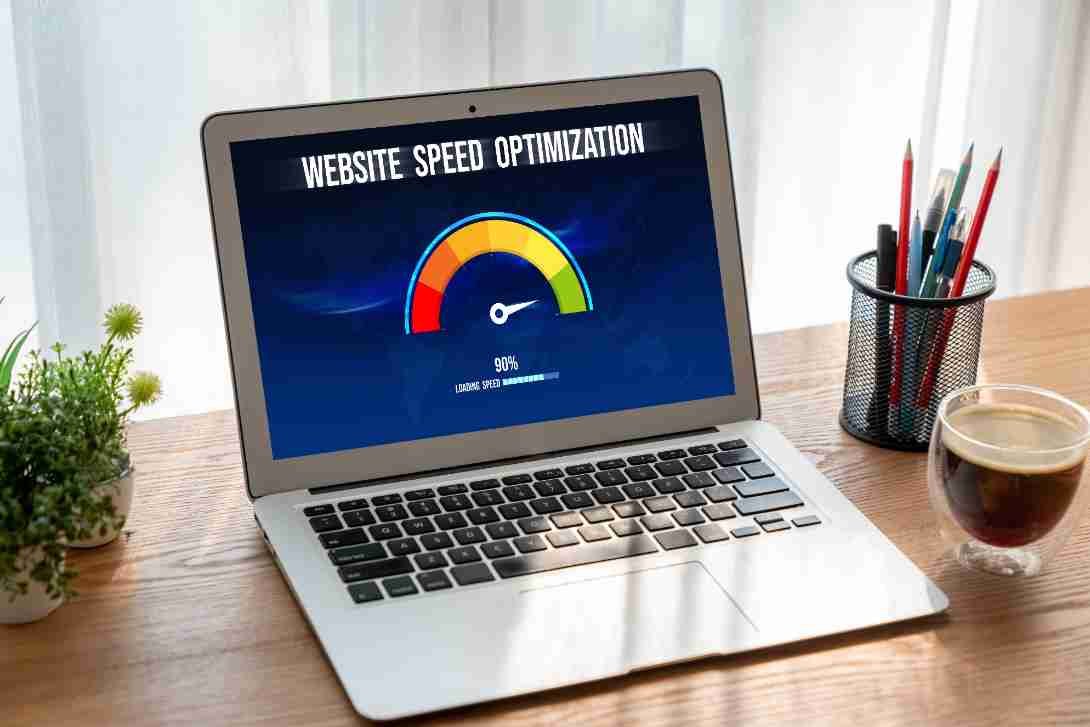
This is where most people go wrong.
They choose flashy themes with animations.
But those themes are often slow.
I always check:
- Page load speed
- Theme size
- Performance reviews
If your theme is slow, your rankings suffer.
If you want to understand this deeper, I recommend reading about why wordpress themes look slow.
Speed is not optional anymore.
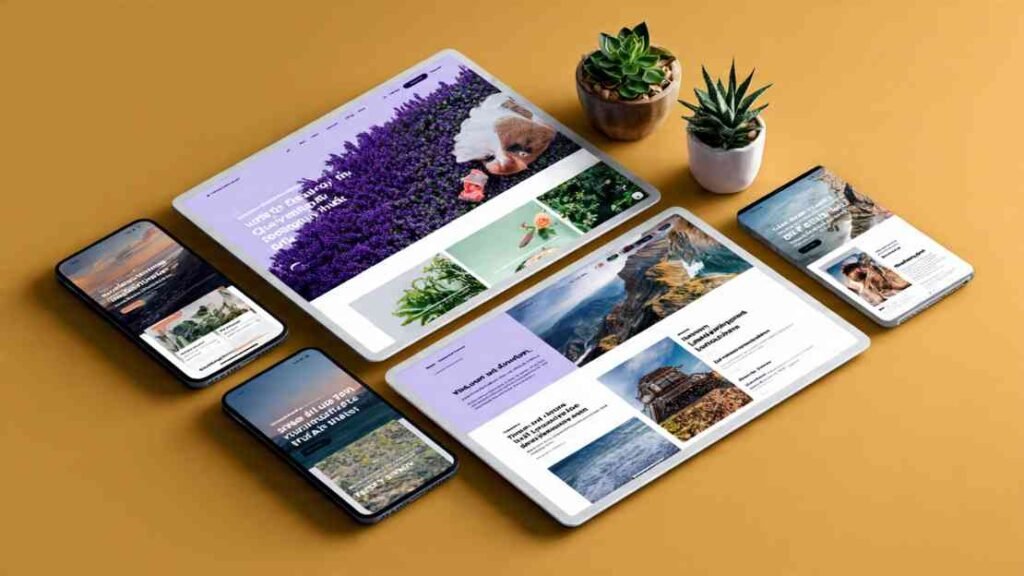
Step 3: Choose a Mobile-Friendly Theme
Most users visit your site on mobile.
If your site looks bad on mobile, you lose customers instantly.
That’s why I always test themes on:
- Mobile devices
- Tablets
- Different screen sizes
A responsive theme adapts automatically.
To go deeper, you should also explore mobile friendly wordpress themes to understand what works best.
Step 4: Keep Design Simple and Clean
When I started, I thought more features meant a better website.
That was wrong.
Simple themes perform better.
They load faster, convert better, and are easier to manage.
Avoid themes with too many animations, heavy sliders, or unnecessary features.
Clean design always wins.
Step 5: Pick the Right Builder Elementor or Gutenberg
This is a big decision.
Most themes work with either Elementor or Gutenberg.
If you’re confused, check out elementor vs gutenberg themes.
Here’s my quick advice.
Elementor is easier for beginners, while Gutenberg is faster and more lightweight.
Choose based on your comfort level.
Step 6: Check Core Web Vitals Compatibility
Google now ranks websites based on performance metrics.
This includes loading speed, interactivity, and visual stability.
A good theme supports these factors.
To understand this better, explore wordpress themes for core web vitals.
If your theme fails here, your SEO will suffer.
Step 7: Decide Between Free vs Premium Themes
This is a common question.
I’ve used both.
Free themes are good for beginners but have limited features.
Premium themes offer more customization and better support.
If you’re unsure, read free vs premium wordpress themes to make the right choice.
Start simple, then upgrade if needed.
Step 8: Customize Your Theme the Right Way
Once you install your theme, customization begins.
Focus on your logo, colors, typography, homepage layout, and call-to-action buttons.
Avoid changing too much at once.
If you want step-by-step help, check wordpress themes customization tips.
Small changes make a big difference.
Step 9: Choose Themes That Drive Sales
Your website is not just for display.
It should generate results.
That’s why I focus on clear calls to action, simple navigation, and fast loading pages.
If your goal is conversions, explore wordpress themes that increase sales.
A good theme supports your business growth.
Step 10: Know How to Choose the Right Theme Final Check
Before finalizing, I always check speed performance, mobile responsiveness, ease of use, and SEO compatibility.
If you’re still unsure, this guide helps.
how to choose wordpress theme
It simplifies the entire decision process.
Common Mistakes Small Business Owners Make
I’ve made these myself.
Choosing design over performance, installing heavy themes, ignoring mobile optimization, over-customizing everything, and not testing speed are the most common mistakes.
Avoid these, and your site will perform much better.
How Long Does It Take to Set Up a Theme

From my experience, basic setup takes one to two days.
Full customization takes one to two weeks.
Optimization is ongoing.
Don’t rush the process.
A strong foundation saves time later.
Frequently Asked Questions
1. What is the best WordPress theme for small business
The best theme depends on your goal, but a fast, mobile-friendly, and easy-to-customize theme works best for most businesses.
2. Should I use a free or premium theme
Start with a free theme if you’re new. Upgrade to premium once you need advanced features or support.
3. Do WordPress themes affect SEO
Yes, themes impact speed, structure, and performance, all of which affect SEO rankings.
4. Can I change my theme later
Yes, but it may affect your design and layout. It’s better to choose the right theme from the start.
A Smarter Way to Build Your Small Business Website
Choosing the right wordpress themes for small business changed how I build websites.
I stopped chasing design trends and started focusing on performance and results.
That shift made my websites faster, easier to manage, and more effective.
If you focus on speed, simplicity, and usability, you won’t just build a website.
You’ll build a system that supports your business growth.