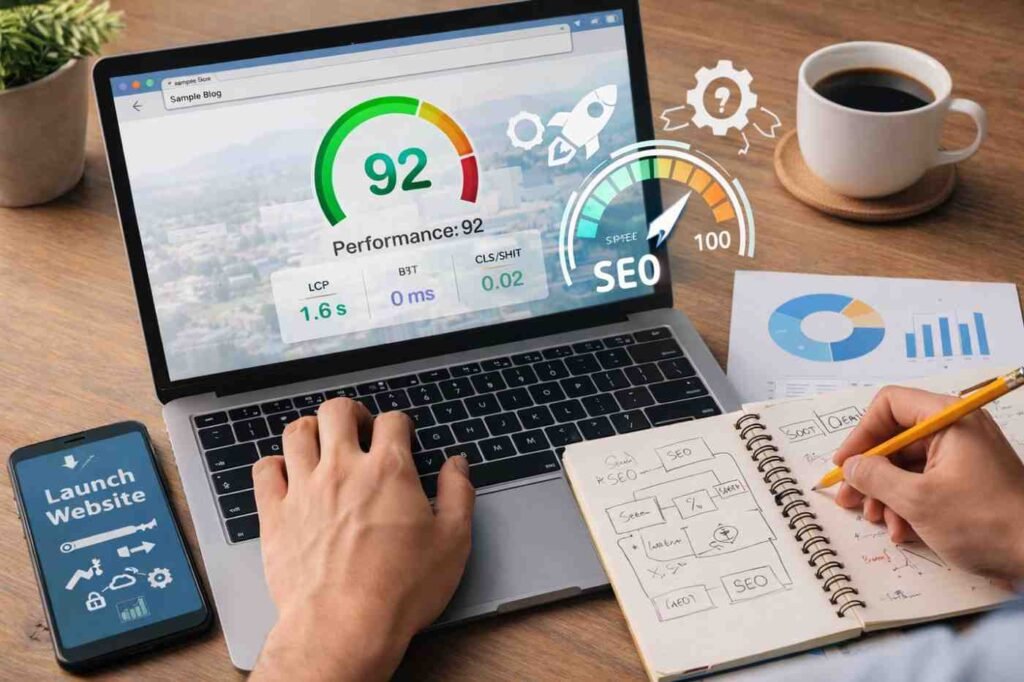
I still remember launching a site that looked perfect in design but painfully slow in reality. It took almost five seconds to load, and people just left. No one complained. They just didn’t stay. That’s when website speed stopped feeling like a “technical thing” and started feeling like a real business problem.
Over time, you realize speed is not one big fix. It’s a series of small, smart decisions. If you’re figuring out how to launch a website, getting speed right from the start saves you from constant fixes later. This is the workflow that actually works in real situations, not theory, not fluff.
Why Website Speed Matters More Than Ever
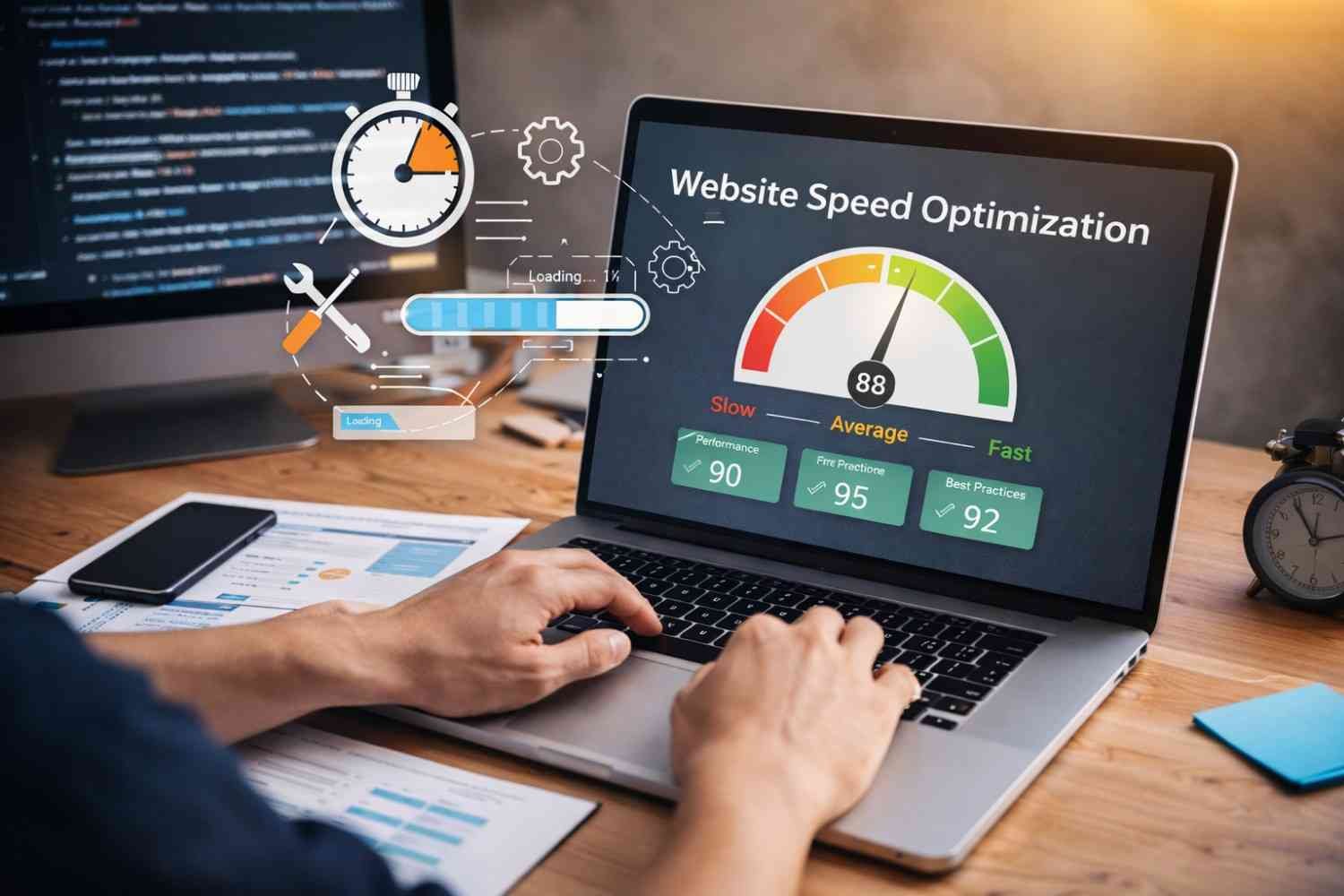
Speed now directly impacts rankings, engagement, and revenue. It’s tied to Core Web Vitals, which measure how fast your content loads, how quickly users can interact, and whether the layout stays stable.
But beyond metrics, it’s simple: slow websites feel unreliable. Fast websites feel trustworthy. That difference alone changes how people behave.
Start With A Baseline (Don’t Skip This)
Before fixing anything, you need clarity. Guessing what’s slow usually leads to wasted effort.
Use tools that show real performance issues:
- Google PageSpeed Insights for Core Web Vitals
- GTmetrix for detailed loading breakdown (waterfall view)
- WebPageTest for testing across devices and locations
These tools will show you what’s actually wrong, not what you assume is wrong.
Target Benchmarks You Should Aim For
- Load time: under 2 seconds (desktop), under 3 seconds (mobile)
- Largest Contentful Paint (LCP): under 2.5 seconds
- Interaction to Next Paint (INP): under 200 milliseconds
- Cumulative Layout Shift (CLS): below 0.1
If you’re outside these ranges, don’t panic. Most websites are.
The Quick Wins That Fix Most Speed Issues
This is where things get practical. You don’t need to touch complex code yet. These three steps usually fix the majority of problems.
Optimize Images First (Biggest Impact)
Images are often the heaviest part of a page. Sometimes they make up more than half the total size.
Here’s what actually works:
- Convert images to WebP or AVIF
- Resize before uploading (don’t upload 4000px images for small sections)
- Use lazy loading so images load only when needed
This alone can dramatically improve page load time.
Use Caching The Right Way
Caching reduces the work your server has to do.
- Browser caching stores files on the user’s device
- Server-side caching delivers pre-built pages instantly
If you’re using a CMS, enabling caching is often just a plugin away. And the difference is noticeable immediately.
Add A Content Delivery Network (CDN)
A CDN stores your website across multiple global servers. So instead of loading from one location, users get data from the nearest server.
This reduces delay and improves loading speed, especially for global traffic. It’s one of the easiest upgrades that feels like a major improvement.
Move To Technical Fixes (Once Basics Are Done)
Once you’ve handled the obvious issues, then it makes sense to go deeper.
Clean Up Your Code
Minification removes unnecessary characters from files.
- CSS
- JavaScript
- HTML
It doesn’t change functionality, but it reduces file size and improves loading.
Fix Render-Blocking Resources
Some scripts stop your page from loading until they fully execute.
The fix:
- Load non-critical JavaScript using async or defer
- Prioritize content that users see first
This improves perceived speed, which matters just as much as actual speed.
Audit Third-Party Scripts
This is something many people ignore.
Analytics tools, chat widgets, tracking pixels, they all add load time. Quietly.
Ask yourself:
Do you actually need all of them?
Remove anything that doesn’t directly add value. Load the rest after the main content.
Upgrade Your Hosting (If Needed)
Sometimes, the problem isn’t your website, it’s where it’s hosted.
Cheap hosting often leads to slow server response times. Moving to better hosting can significantly reduce delays and stabilize performance.
This isn’t always the first step, but when everything else is optimized, and speed is still poor, this is usually the reason.
How This Fits Into Your Website Launch Process
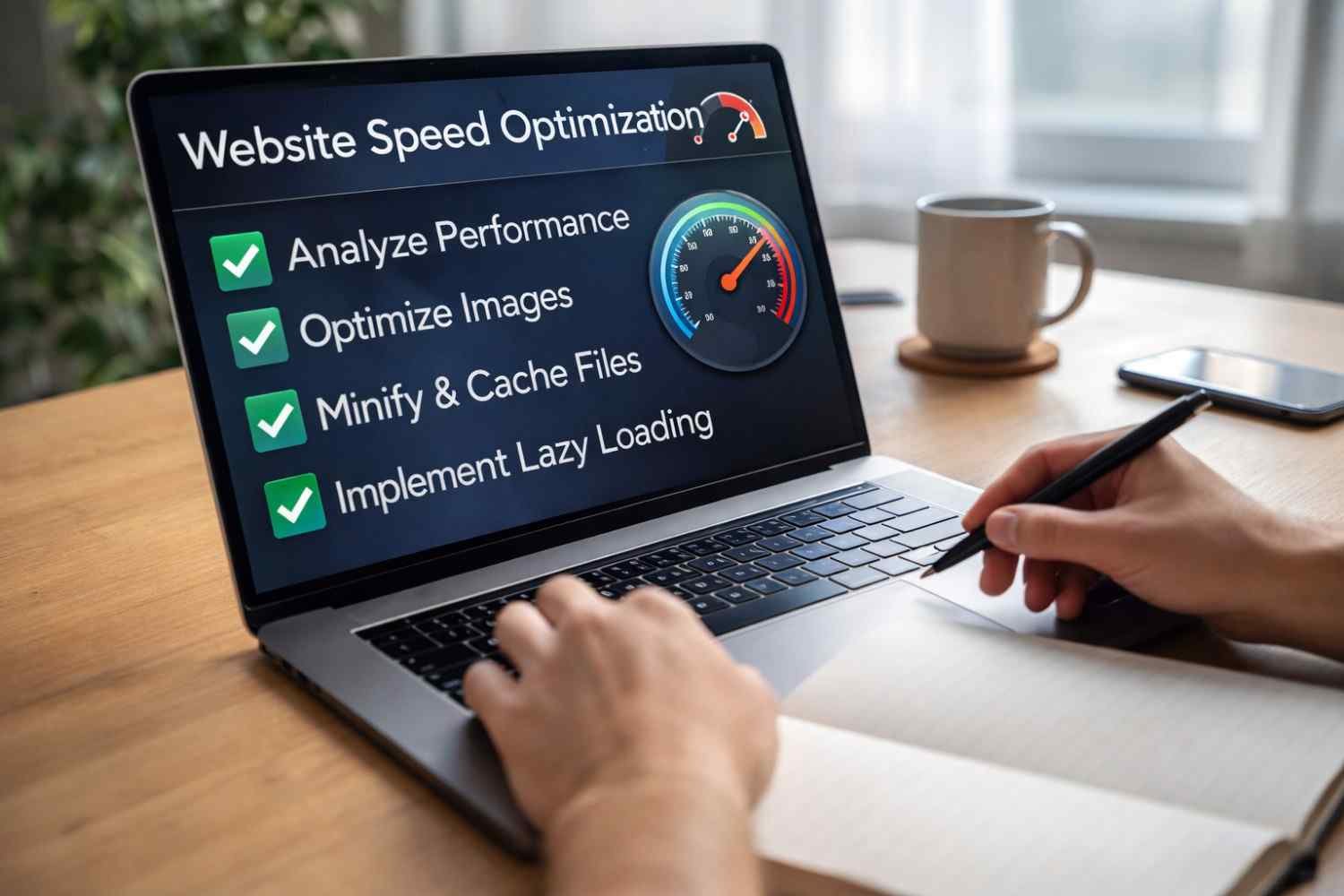
Speed optimization works best when it’s part of your setup, not something you fix later.
When you’re planning how to launch a website, think of speed as part of the foundation:
- Choose performance-focused hosting
- Optimize images before uploading
- Avoid unnecessary plugins from day one
- Set up caching early
This approach saves time and prevents performance issues before they start.
A Simple 2026 Checklist You Can Follow
If you want something practical to walk away with, this is it:
- Optimize images using modern formats
- Enable caching and CDN
- Minify CSS and JavaScript
- Reduce third-party scripts
- Upgrade hosting if needed
You don’t need to do everything at once. But doing these in order works.
FAQs: A Real-World Website Speed Optimization Tutorial For Anyone Learning To Launch A Website
1. What Is The First Step In Website Speed Optimization?
Start by measuring performance using tools like PageSpeed Insights or GTmetrix. Without data, you won’t know what to fix.
2. How Much Does Website Speed Affect SEO?
It plays a direct role through Core Web Vitals and user experience signals like bounce rate and engagement.
3. Is Image Optimization Really That Important?
Yes. Images are often the biggest contributors to slow loading times. Optimizing them can create immediate improvements.
4. Do I Need A CDN For A Small Website?
Not always, but it helps. Even smaller websites benefit from faster delivery and reduced latency, especially with global visitors.
Final Thoughts
Website speed optimization becomes much simpler when you stop treating it like a technical mystery. It’s really about removing friction. Every delay, every heavy file, every unnecessary script adds up. When you fix those step by step, your website starts to feel faster, smoother, and more reliable.
You don’t need perfection. You need consistency. Focus on the changes that actually move the needle, and your site will naturally improve over time.