
A user doesn’t read your product. They feel it.
They feel hesitation when something isn’t clear. They feel the friction when a flow takes too long. And they feel the difference instantly when everything just works—without thinking.
I didn’t understand that at first. I focused on how things looked, not how they felt. That’s exactly why my early designs missed the mark.
Everything changed when I started applying the UX design lifecycle.
It gave structure to something that once felt invisible. It helped me design not just for screens, but for real human reactions—and that’s when my work finally started connecting.
If you want to create products people don’t just use but actually enjoy, this is where it begins.
What Is the UX Design Lifecycle and Why Does It Matter?
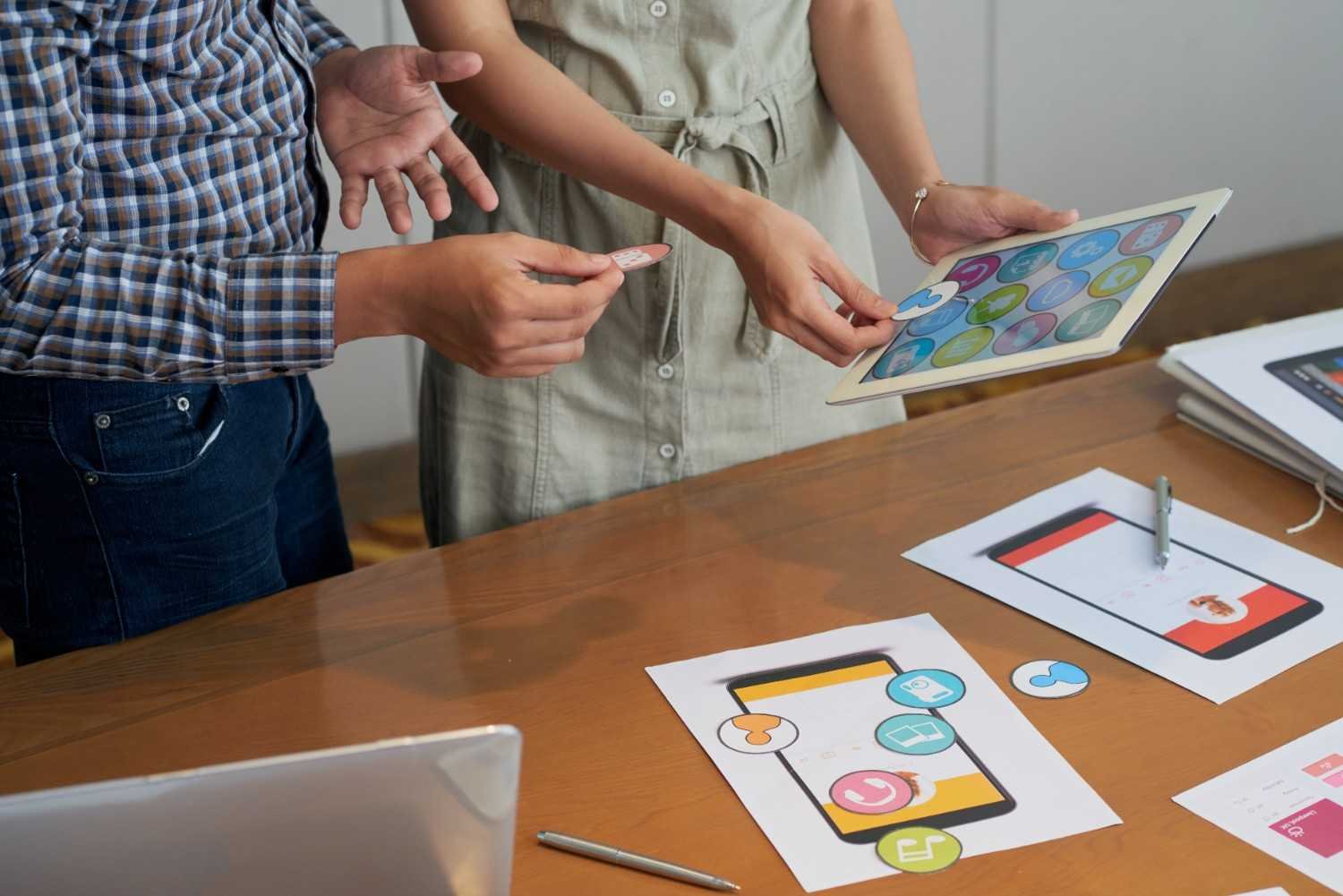
The UX design lifecycle is an iterative, multi-stage framework used to create products that are useful, easy to use, and enjoyable. It typically moves through phases of understanding users, exploring solutions, and validating designs through real feedback.
When I started using this lifecycle consistently, I stopped guessing what users wanted. Instead, I followed a system that helped me validate decisions at every stage. That shift improved not only my designs but also how teams collaborated and delivered results.
In the US market, where competition is intense and user expectations are high, this structured approach becomes essential. It ensures that products meet both business goals and user needs without wasting time or resources.
What Are the Core Stages of the UX Design Lifecycle?
Over time, I’ve combined industry-standard frameworks with real-world execution. Here’s how I approach the lifecycle step by step.
Define and Understand the Problem
I always begin by aligning with stakeholders and understanding business goals. This includes identifying the problem, setting clear objectives, and defining success metrics.
Stakeholder interviews play a key role here. They help ensure that everyone moves in the same direction from the start.
Conduct User Research
Next, I focus on gathering insights about users. I use interviews, surveys, and competitive analysis to understand behaviors, needs, and pain points.
This stage builds the foundation. Without it, every decision later becomes a guess.
Analyze and Synthesize Insights
Once I collect data, I turn it into actionable insights. I create user personas and journey maps to visualize how users interact with the product.
This step connects research to strategy. It helps me identify friction points and opportunities for improvement.
Design and Ideate Solutions
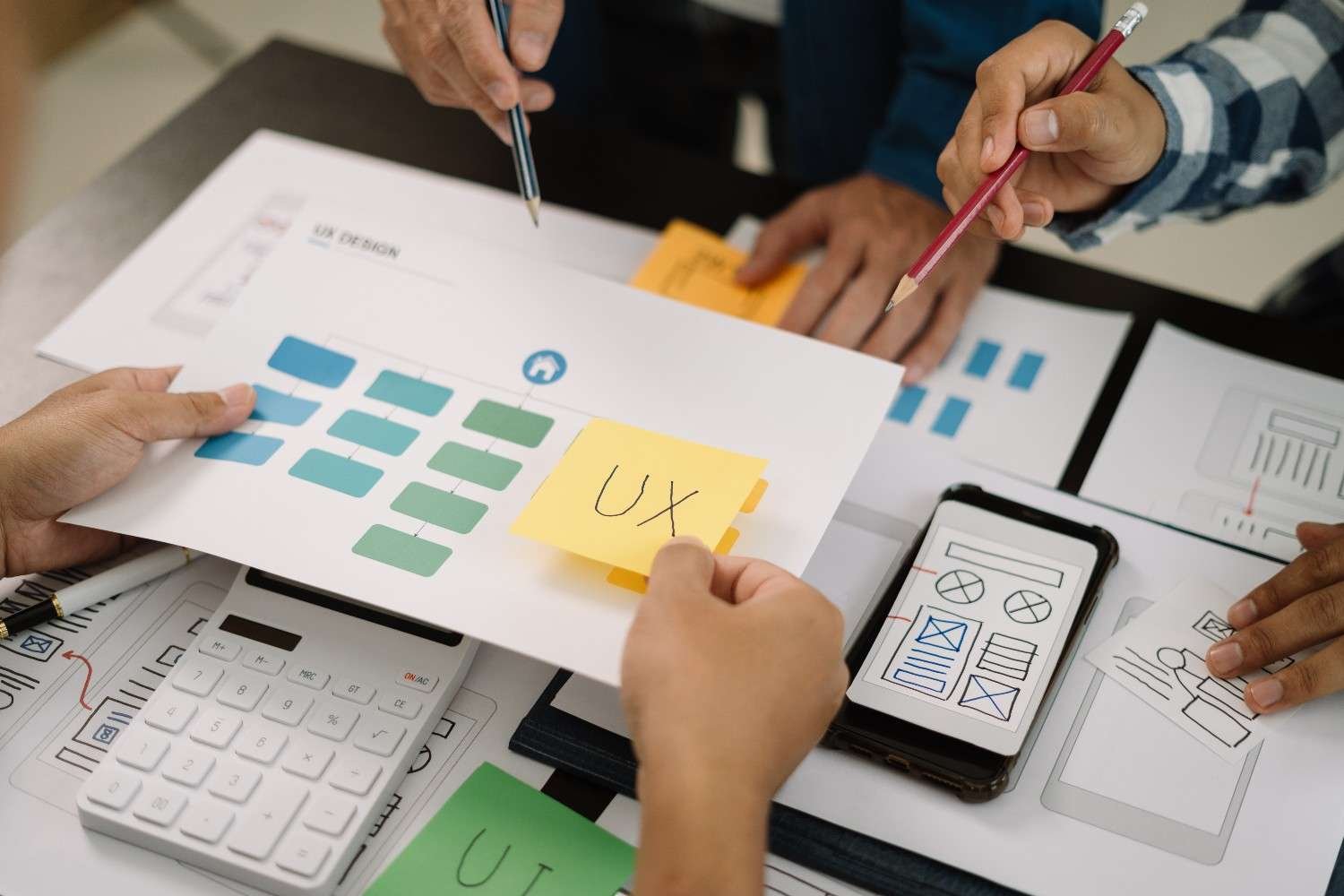
Now I start exploring solutions. I sketch ideas, create wireframes, and define information architecture.
At this stage, I don’t focus on colors or visuals. I focus on structure, layout, and usability.
Build Prototypes
I turn ideas into interactive prototypes. These can range from low-fidelity sketches to high-fidelity digital models.
Prototyping allows me to test functionality before development begins, saving time and cost.
Test and Validate with Users
I test prototypes with real users to identify usability issues. This is where I uncover friction points, confusion, and technical gaps.
Testing is not optional. It’s the stage that turns assumptions into validated decisions.
Development, Launch, and Iteration
After validation, I collaborate with developers to bring the design to life. I ensure that design specifications and systems translate correctly into the final product.
Once the product launches, I monitor user behavior and continuously improve the experience. The lifecycle doesn’t end—it evolves.
How Do Popular UX Methodologies Fit Into This Lifecycle?
Different teams follow different approaches, but most methodologies align with the same lifecycle structure.
Design Thinking focuses on empathizing with users, defining problems, ideating solutions, prototyping, and testing.
Lean UX simplifies the process into a rapid “think, make, check” cycle, helping teams validate ideas quickly.
Agile UX integrates design into short development sprints, allowing designers and developers to work closely together.
The Double Diamond framework separates the process into discover, define, develop, and deliver phases, emphasizing exploration before decision-making.
I’ve used elements from all these approaches. Instead of sticking to one, I adapt based on the project, timeline, and team structure.
What Key Deliverables Are Created During the UX Lifecycle?
Throughout the lifecycle, I create specific outputs that guide the project forward.
Research reports help align teams and document insights. Personas and journey maps provide a clear understanding of users. Wireframes and prototypes define the structure and interaction of the product.
I also create design specifications and design systems to ensure consistency during development and future updates.
These deliverables keep the entire team aligned and reduce confusion during execution.
How To Apply the UX Design Lifecycle Step by Step
When I start a new project, I follow a simple, repeatable workflow.
First, I define the problem and align with stakeholders. Then I gather user insights through research and analysis. I translate those insights into personas and journey maps that guide decision-making.
Next, I design solutions through wireframes and prototypes. I test these ideas with real users and refine them based on feedback.
After validation, I collaborate with developers to launch the product. Finally, I monitor performance and continuously improve the experience based on real data.
This process keeps my work structured while allowing flexibility when needed.
What Mistakes Should You Avoid in the UX Design Lifecycle?
One of the biggest mistakes I see is skipping research. It might feel faster, but it leads to poor outcomes.
Another mistake is treating the lifecycle as a rigid checklist. In reality, it’s a flexible system that should adapt to each project.
Ignoring user feedback after launch is another common issue. The lifecycle depends on continuous improvement. Without it, products become outdated quickly.
FAQs About UX Design Lifecycle
1. What is the UX design lifecycle in simple terms?
It is a structured process used to design, test, and improve products based on user needs and feedback.
2. How does the UX design lifecycle improve product success?
It reduces risk by validating ideas early and ensures better usability through continuous testing and iteration.
3. What are the key stages in the UX design lifecycle?
The stages include defining the problem, research, analysis, design, prototyping, testing, and continuous improvement.
4. Is the UX design lifecycle the same for every project?
No. The core stages remain the same, but the depth and approach vary depending on project size and goals.
What Changed When I Fully Adopted This Process
When I started following the UX design lifecycle consistently, my work became more structured and effective.
Instead of relying on intuition alone, I built a system guided by proven UX design principles that shape every decision. My designs improved, collaboration became smoother, and results became more predictable.
If you want to build products that perform well in competitive markets, this lifecycle is not optional. It’s the foundation that turns ideas into experiences users actually value.