The idea of building a website without touching code sounds almost unreal the first time you hear it. No HTML, no CSS, no debugging, just drag, drop, and publish. That’s what pulls most people in. It feels fast, simple, and honestly, a bit too good to be true.
But here’s what usually happens. You pick a tool, choose a template, tweak a few things… and the final result looks average. Not bad, but not something that feels premium either. That gap between “easy to build” and “looks professional” is where most people get stuck.
What No-Code Tools Actually Do (And What They Don’t)
No-code website builders have evolved way beyond basic drag-and-drop editors. Today, they come with visual editors, built-in hosting, responsive design systems, and even AI that can generate layouts or content.
But here’s the reality: these tools don’t automatically make your site look professional. They give you the ability to build one.
That’s a big difference.
Most platforms rely on:
- Pre-designed templates
- Visual editing interfaces
- Built-in components like forms, galleries, and sections
This means your final output depends more on your decisions than the tool itself.
Choosing the Right Tool Based on Your Goal
One of the biggest mistakes people make is choosing tools based on popularity instead of purpose.
Different platforms have completely different strengths.
Design-Focused Website Builders
- Webflow gives you near developer-level control over layout, animations, and structure. It’s powerful but takes time to learn.
- Framer focuses on modern, smooth, high-end design. Perfect if you want that polished, startup-style look.
- Squarespace is known for clean, visually appealing templates that work well for creative professionals.
These are ideal when your priority is branding and visual impact.
Business and General Website Builders
- Wix Studio offers flexibility with AI-assisted tools and responsive design controls.
- Elementor works inside WordPress and gives you full control over layout with a drag-and-drop builder.
If you’re building service websites, landing pages, or business sites, these work well.
E-Commerce and Advanced Tools
- Shopify handles complex backend processes like payments, shipping, and scaling products.
- Bubble is more for building web apps, not just websites.
These tools are built for functionality first, design second.
Why Most No-Code Websites Look Average?
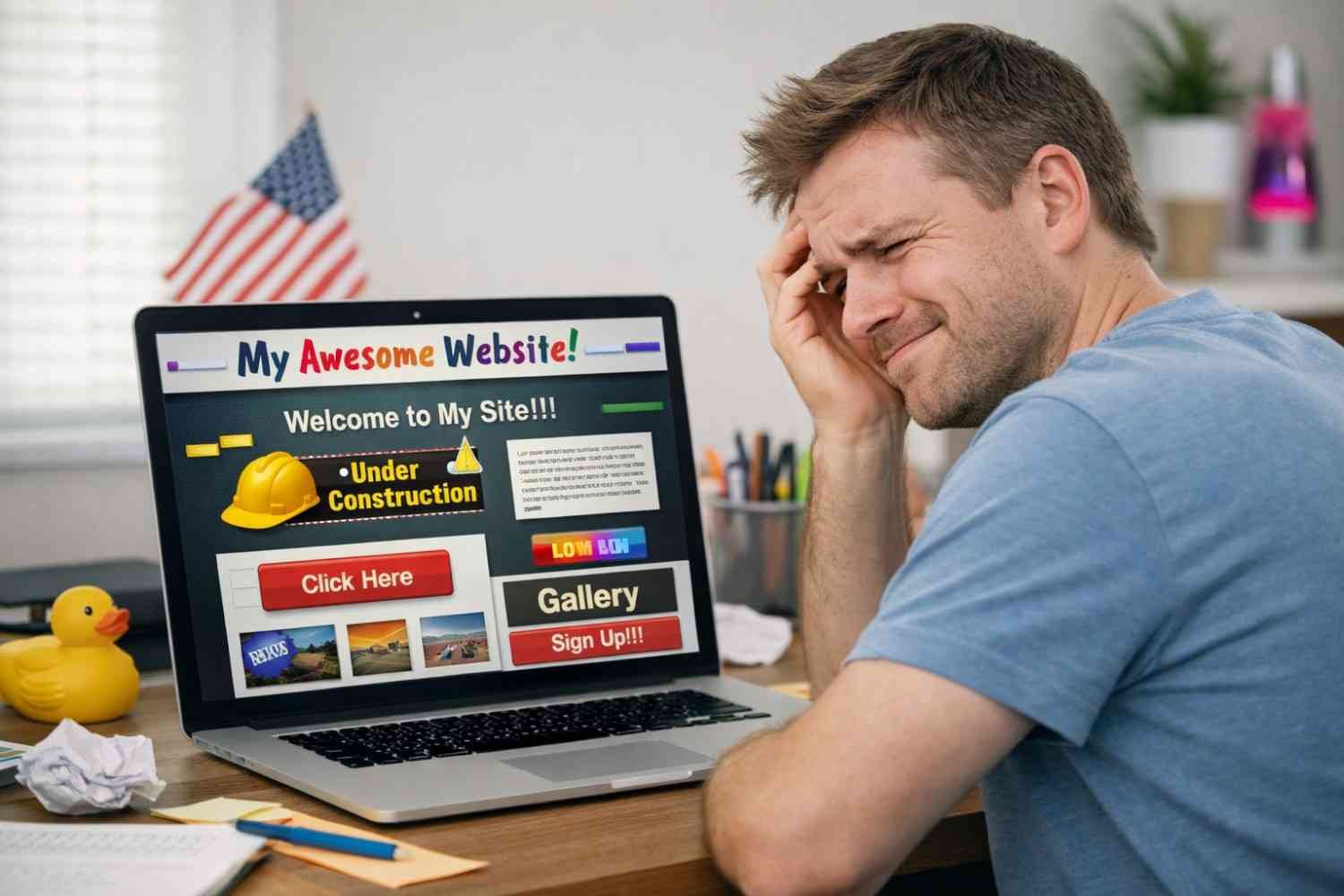
This is where most blogs stop short. They tell you what tools to use, but not why results often look underwhelming.
The problem isn’t the platform. It’s how people use it.
Here’s what usually goes wrong:
- Over-editing templates until they lose structure
- Mixing different design styles on one page
- Ignoring spacing, alignment, and hierarchy
- Using random colors and fonts without consistency
No-code tools give you freedom, but too much freedom without structure leads to messy results.
How to Make No-Code Websites Look Professional?
This is where things start to shift. If you focus on a few core principles, your site instantly looks more refined.
1. Don’t Fight the Template
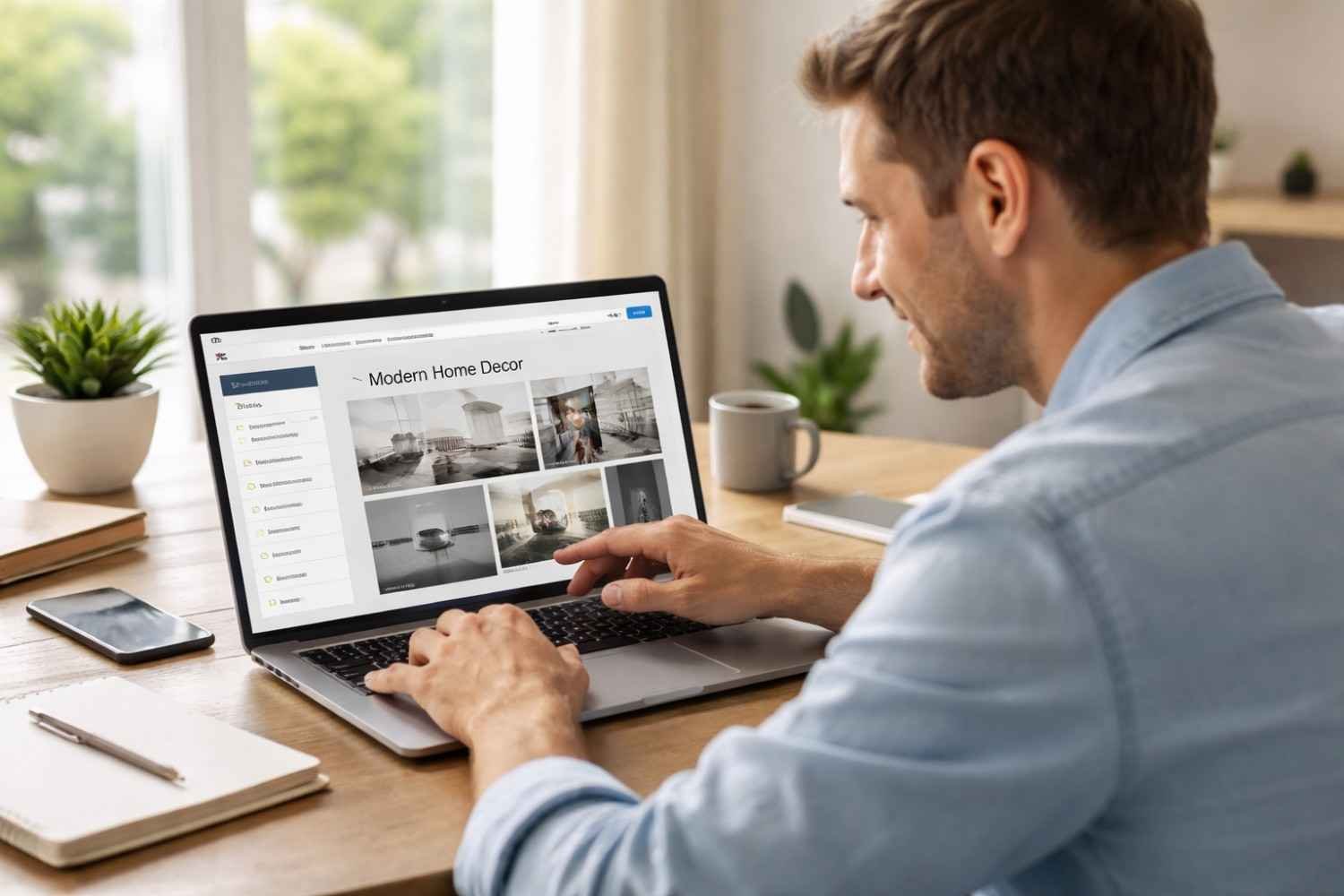
Templates are designed with spacing, alignment, and hierarchy already in place. When you try to redesign everything from scratch, you usually break that balance.
Instead:
- Keep the structure
- Replace content
- Make small, intentional changes
2. Focus on Layout Before Design
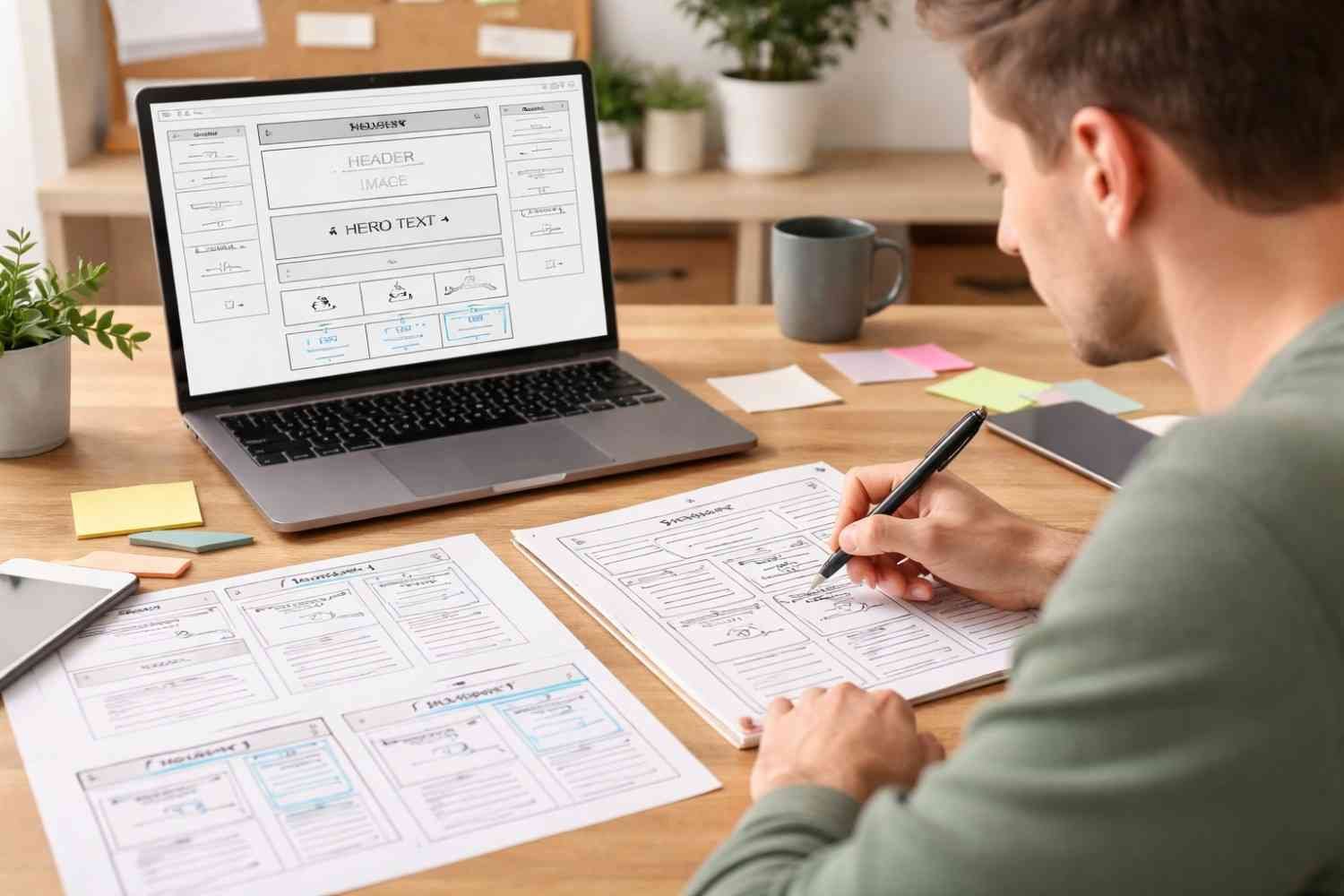
Most beginners jump straight into colors and fonts.
Professionals think in layout first:
- Section spacing
- Content flow
- Visual hierarchy
If the structure is clean, even a simple design looks good.
3. Stay Consistent Across Pages
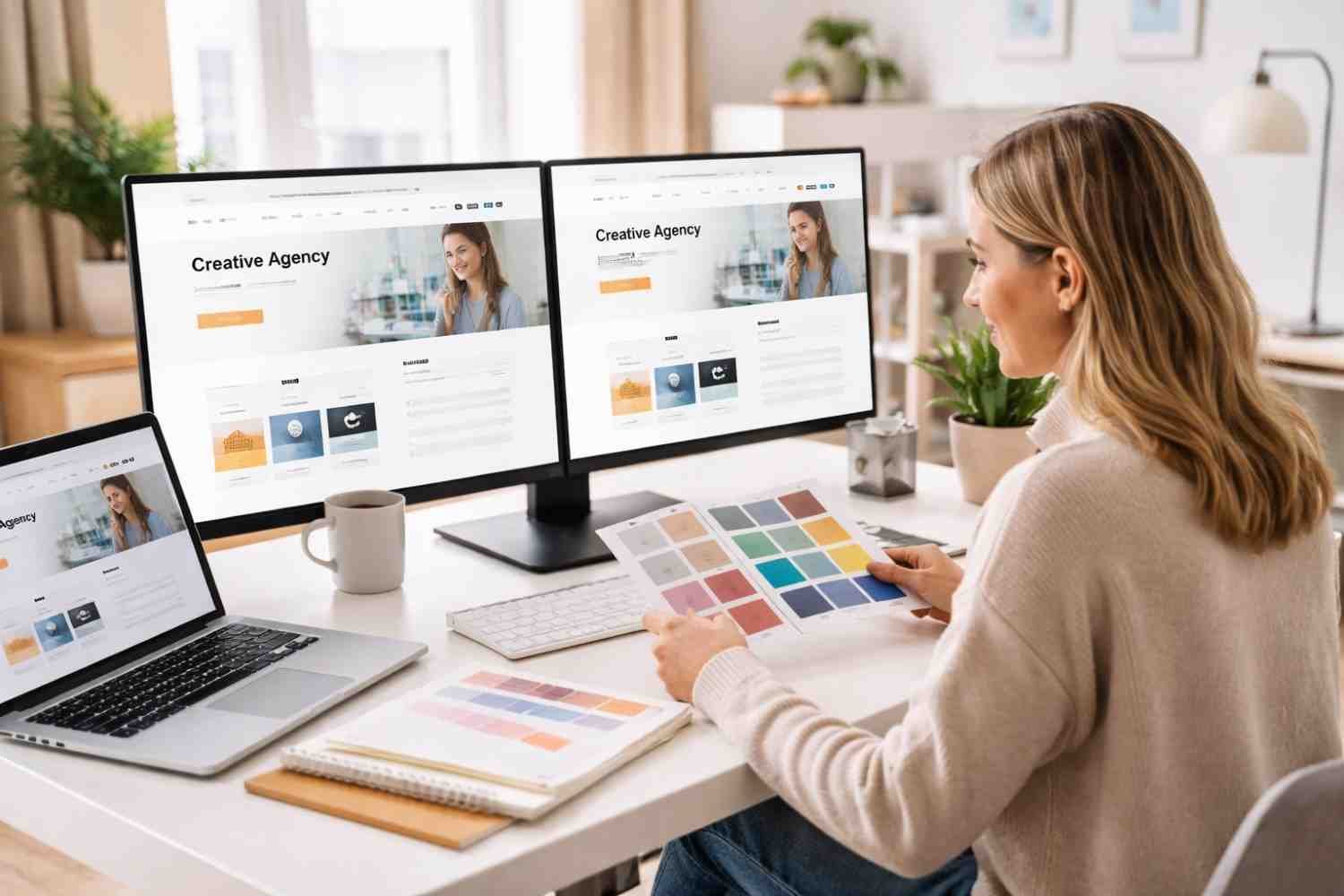
Consistency is what separates a clean website from a chaotic one.
This is why having a proper WordPress setup step-by-step approach matters even when using no-code tools. When your base structure is defined, every page naturally follows the same pattern.
Consistency includes:
- Same spacing system
- Same font styles
- Same section patterns
4. Design for Mobile First
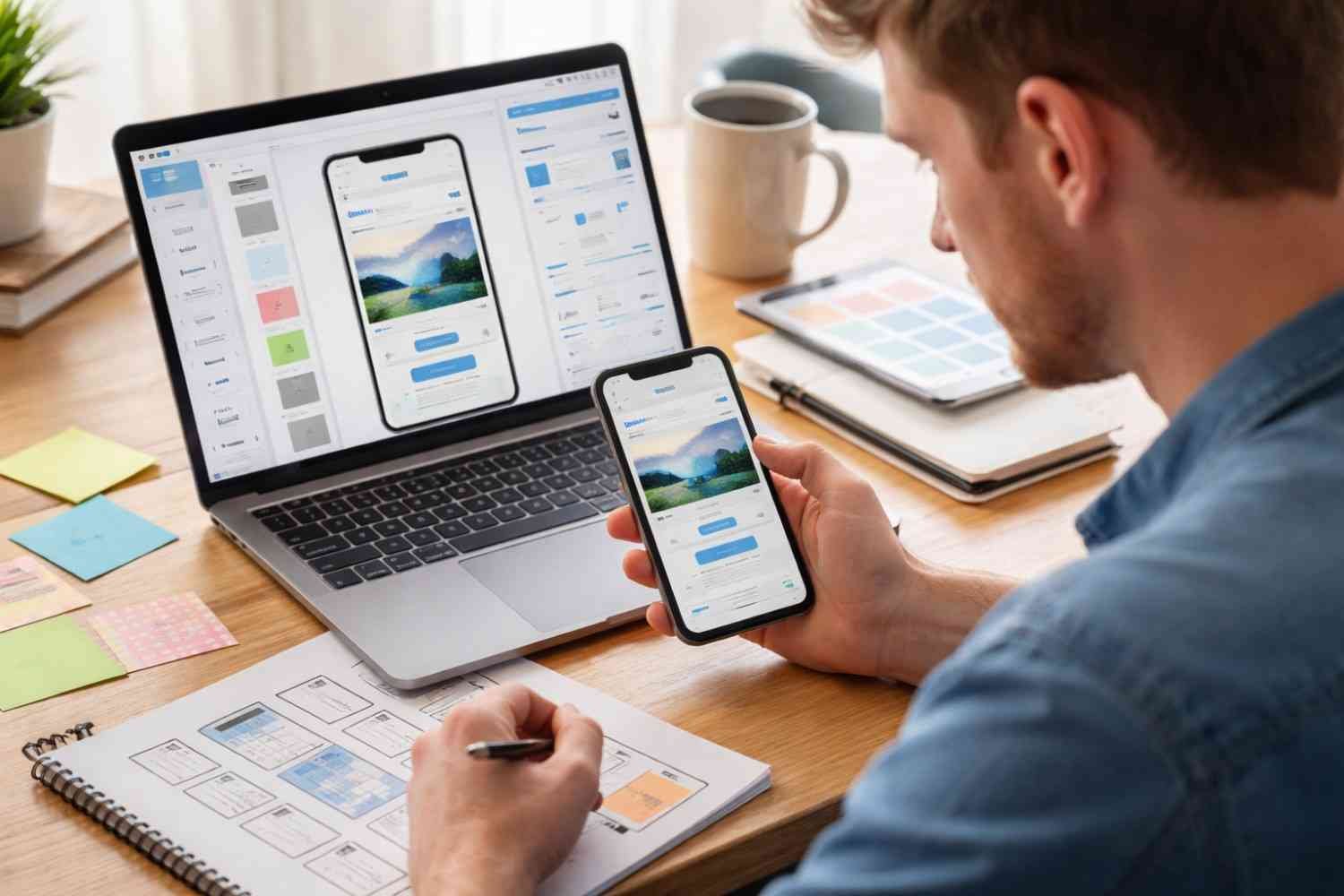
More than half of users visit websites on mobile devices. If your site only looks good on desktop, it’s already broken.
Always:
- Check mobile preview
- Adjust spacing for smaller screens
- Avoid oversized sections
5. Keep It Simple (Seriously)
 The most professional websites are often the simplest.
Too many animations, colors, or sections create visual noise. Clean layouts with clear focus always perform better.
Real Limitations of No-Code Tools
Let’s be honest, no-code tools are powerful, but they’re not perfect.
You’ll run into limitations like:
- Restricted customization in some platforms
- Dependency on platform pricing and ecosystem
- Difficulty scaling highly complex websites
- Less flexibility compared to custom development
Some tools, like Webflow or AI-driven builders, offer code export or deeper control, but many platforms keep you locked into their system.
This doesn’t mean you shouldn’t use them. It just means you should choose wisely based on your long-term goals.
Building Websites That Don’t Feel “Template-Based”
The goal isn’t to hide the fact that you used a no-code tool. The goal is to make the result feel intentional.
That happens when:
- Your layout flows naturally
- Your design stays consistent
- Your content feels structured
Once you focus on these, your website stops looking like a template and starts looking like a brand.
FAQs: Building Websites With No Code Tools That Actually Look Professional
1. What is the best tool for building websites with no-code tools?
It depends on your goal. Webflow and Framer are great for design, Wix is beginner-friendly, and Shopify is best for e-commerce websites.
2. Can no-code websites look professional?
Yes, but only if you focus on layout, consistency, and structure. The tool alone won’t guarantee a professional result.
3. Are no-code tools better than coding websites?
They’re faster and easier for most use cases, but coding offers more flexibility and control for complex projects.
4. Do no-code tools support mobile-friendly design?
Most modern platforms include responsive design features, but you still need to manually check and adjust layouts for mobile.
Final Thoughts
No-code tools have changed how websites are built. What once required developers and long timelines can now be done in hours. But ease of use doesn’t guarantee quality. The difference between a basic website and a professional one comes down to how you think about structure, not just which tool you use.
If you approach it with clarity, choosing the right platform, respecting layout systems, and keeping design consistent, you can build something that genuinely feels polished. And once you get that right, the tools start working for you instead of against you.
Keep it simple, stay consistent, and focus on decisions over features.